What is JavaScript?
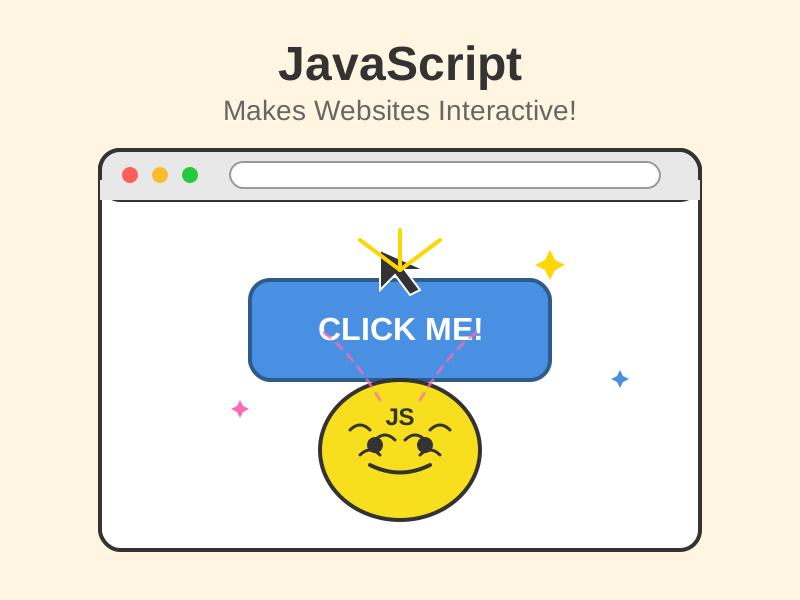
JavaScript lets websites do things when you interact with them, like clicking buttons or filling in forms.
Think of it like this
If HTML is a page's skeleton and CSS is its clothes, JavaScript is its brain and muscles. It notices when you poke the page - a click, a key press, a scroll - and decides what should happen next.
What's happening
Summary
JavaScript is the programming language that makes web pages interactive, reacting to what you do and updating the page without needing to reload it.
A Closer Look
JavaScript is a programming language that adds interactivity to web pages, and it's the main programming language built into every web browser. It lets a page respond to what you do: showing an error when you miss a field in a form, opening a menu when you tap an icon, or loading more posts as you scroll. Unlike HTML and CSS, it can make decisions, repeat steps, and do calculations - it's real code.
Much of JavaScript's work is listening for events - clicks, key presses, a page finishing loading - and changing the page in response. It can also fetch fresh data from an API in the background and update just one part of the page, which is how a web inbox shows new emails or a map loads new streets as you drag it, all without reloading. Because every browser can run it, JavaScript has become one of the most widely used languages in the world, and it now runs on servers and in desktop apps too.
Common Misconceptions
- JavaScript and Java are completely different languages - they just share part of a name for historical marketing reasons.
- JavaScript isn't only for websites - it also runs on servers (Node.js) and in apps.
- You don't need to install anything to run JavaScript - every modern web browser has a JavaScript engine built in, and websites send their scripts along with the page.
How it connects
JavaScript works on top of HTML and CSS, and reaches out to other systems:
Try it yourself
Press F12 to open the browser console, type document.title and press Enter. JavaScript just read this page's title for you.