What is CSS?
CSS decides how a website looks - colours, fonts, spacing, and layout.
Think of it like this
If HTML is the skeleton of a page, CSS is the clothes, haircut, and style. The same skeleton can look completely different depending on how it's dressed - and you can change the whole outfit without touching a single bone.
What's happening
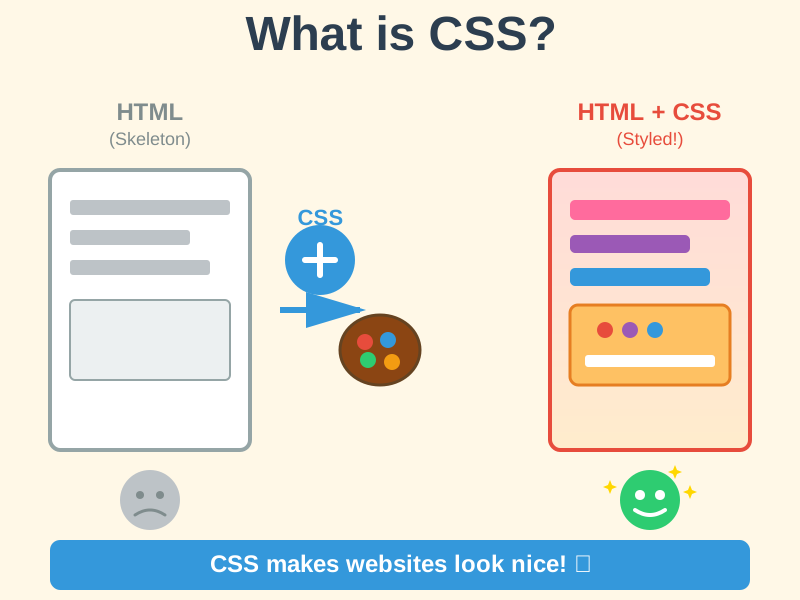
Summary
CSS controls how a web page looks - colours, fonts, spacing, and layout - kept separate from the HTML content, so the same page can be completely restyled without rewriting it.
A Closer Look
CSS (Cascading Style Sheets) is the language used to control the appearance and layout of web pages. It works through rules: you pick which elements to style using a selector, then list how they should look. A rule like h1 { color: navy; font-size: 2rem; } means "make every main heading navy and twice the normal text size." One stylesheet can control every page on a site, so changing a single colour value can restyle hundreds of pages at once.
The "cascading" part describes what happens when rules disagree. If one rule says all text is black and another says links are blue, the browser follows a predictable order - more specific rules beat general ones, and later rules beat earlier ones - to decide which wins. CSS also handles responsive design: rules that only apply at certain screen sizes, which is how the same website can show three columns on a laptop and stack neatly into one column on a phone.
Common Misconceptions
- CSS is not usually considered a programming language - it can do simple maths like working out widths, but it can't run step-by-step logic the way JavaScript can.
- CSS doesn't change what's on the page, only how it looks - that's still HTML's job.
- "Cascading" doesn't mean animations - it means styles can inherit and override each other in a predictable order.
How it connects
CSS always works alongside other technologies:
Try it yourself
Press F12 to open DevTools, then click the cursor icon and hover over any element on this page. You'll see its CSS styles listed on the right - try changing a colour value live.