What is HTML?
HTML is the language that tells a website what things exist on a page, like text, buttons, and images.
Think of it like this
HTML is the skeleton of a website. It decides which parts exist and where they go - this is a heading, this is a paragraph, this is a button - in the same way a skeleton decides where the head, arms, and legs go before anything gets dressed up.
What's happening
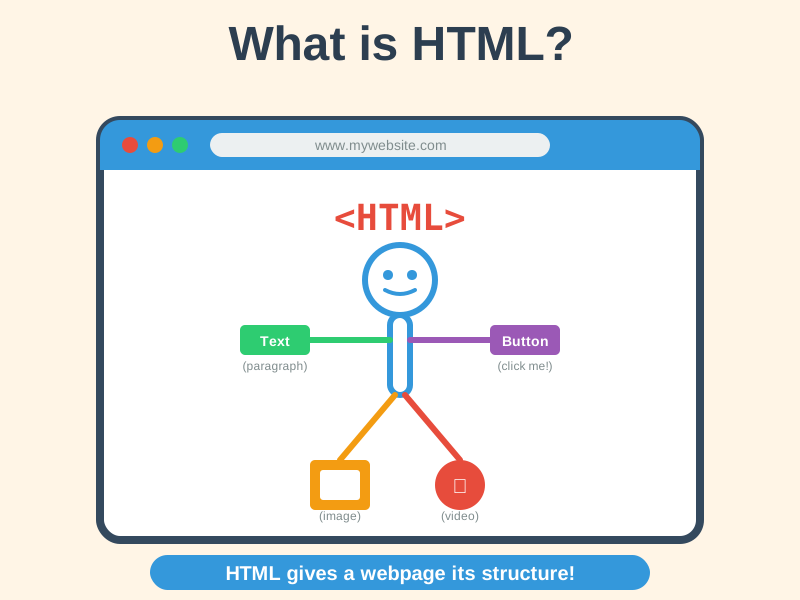
Summary
HTML gives a web page its structure, labelling every piece of content - headings, paragraphs, images, links - so browsers, search engines, and screen readers know what each part is.
A Closer Look
HTML (HyperText Markup Language) is the basic code that gives every web page its structure. It uses tags, written in angle brackets, to label the different parts of a page. A heading is wrapped like <h1>Welcome</h1>, a paragraph goes inside <p> tags, and a link uses an <a> tag that says where it points. Your browser reads these labels and turns them into the page you see.
Good HTML describes what content is, not just how it should look - often called semantic HTML. Marking a heading as a real heading, instead of just making some text big and bold, matters because people and machines other than you read it too. Screen readers use those labels to let blind and partially sighted users jump between sections, and search engines use them to understand what a page is about. The "HyperText" in the name means links - the ability to jump from any page to any other is the idea the whole web was built on.
Common Misconceptions
- HTML is not a programming language - it's a markup language. It describes structure, not instructions or logic.
- HTML alone doesn't make a site look good - that's CSS's job.
- You don't need special software to write HTML - it's just a text file with a .html extension.
How it connects
HTML is the foundation - these topics build directly on top of it:
Try it yourself
Right-click anywhere on this page and choose "View Page Source". You'll see the real HTML code behind what you're reading right now.